Does your optical network often experience lag? It may be that the optical switch is "false switching"!
In today's rapidly developing digital world, the stability of optical networks, as the "highway" for information transmission, directly affects our work and life efficiency. However, many users have found that their own optical networks frequently experience lagging, delays, and even brief disconnections, especially during peak hours or high bandwidth demand scenarios such as high-definition video conferences and online games. Many people's first reaction is to suspect router aging or operator signal issues, but often overlook a hidden "mastermind behind the scenes" - the phenomenon of "false switching" of optical switches.
Optical switch: the "traffic police" of optical networks
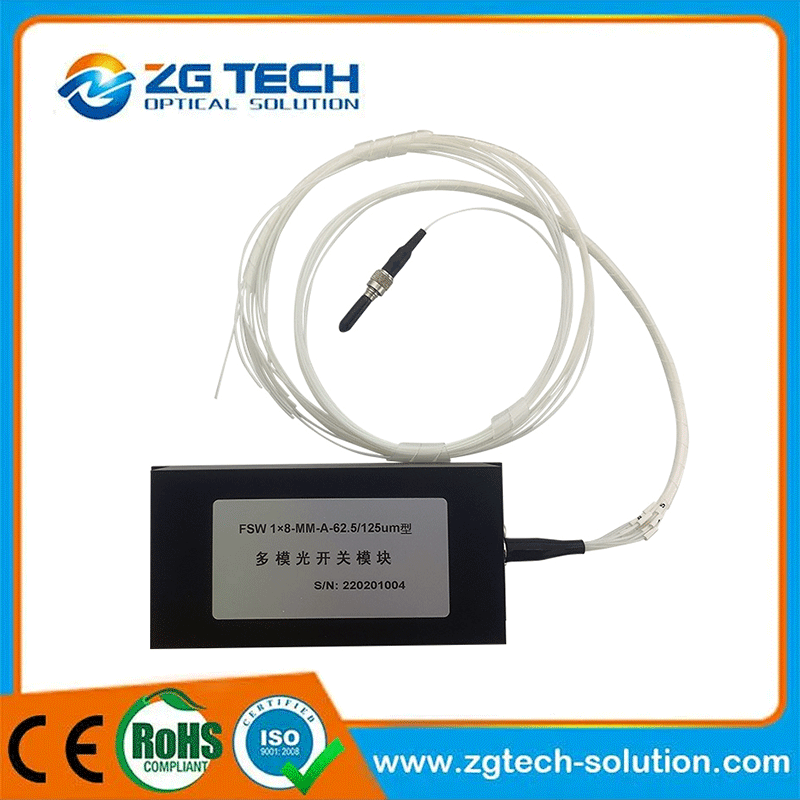
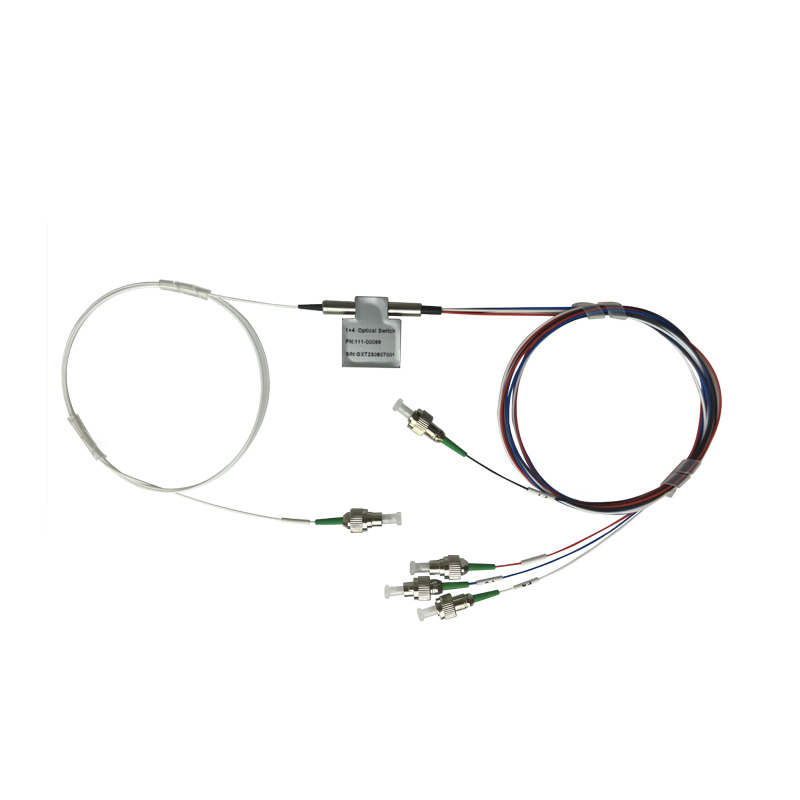
Optical switch is a core component in optical communication systems, responsible for quickly switching between multiple optical paths, achieving dynamic allocation and routing of optical signals. Its function is similar to a traffic signal at an intersection. When a certain light path is congested or malfunctioning, the light switch needs to be accurately switched to the backup path to ensure uninterrupted data flow. However, if the optical switch experiences "false switching" - that is, the surface display shows that it has switched to a new path, but the actual optical signal still remains on the original path, or the switching delay causes packet loss, it will cause network lag, delay surge, and even trigger the system to misjudge it as a link failure and repeatedly reconnect, forming a vicious cycle.
How can 'fake switching' quietly wear down your network?
1. Hardware aging and compatibility pitfalls
As a precision optical device, optical switches may experience wear and tear on their internal mechanical structure or optical components after long-term use, resulting in slow or inadequate switching action. In addition, if there is a protocol or wavelength mismatch between the optical switch and existing optical modules or transmission equipment, it may also cause switching abnormalities. For example, after upgrading to a 100G optical network, a certain enterprise experienced frequent buffering during peak hours due to the unsynchronized upgrade of optical switches. The final investigation revealed that the response time for switching had decreased from milliseconds to seconds, resulting in a large accumulation of data packets.
2. Environmental interference and lack of maintenance
Optical switches are extremely sensitive to environmental factors such as temperature, humidity, and dust. If the ventilation in the computer room is poor or the equipment accumulates dust, it may cause surface contamination of optical components, reduce signal transmission, and force the system to repeatedly attempt switching. A data center once experienced a sudden rise in room temperature due to air conditioning failure, causing an imbalance in the thermal expansion coefficient inside the optical switch and resulting in "intermittent false switching", ultimately causing the entire building's network to be paralyzed for several hours.
3. Software algorithm defects and configuration errors
Modern optical switches often rely on intelligent control algorithms to achieve automatic switching, but if there are loopholes in the algorithm logic (such as insufficient consideration of dynamic changes in optical path attenuation) or if the administrator configures parameters improperly (such as setting the switching threshold too low), it may lead to erroneous switching or switching failure. For example, a certain operator adjusted the delay parameter for optical switch switching from the default 50ms to 200ms in order to save costs. Although it reduced the number of false switches, it directly increased the perceived delay by users by three times.
How to solve the dilemma of "fake switching"?
1. Regular "physical examination" of the optical switch
Use a professional optical time domain reflectometer (OTDR) to detect optical path attenuation and confirm that there are no abnormalities in signal quality before and after switching. At the same time, check the device logs and pay attention to alarm messages such as "switching failure" and "path loss". If there are frequent switching abnormalities during the same time period, it is necessary to focus on investigating the corresponding optical switches.
2. Optimize the environment and hardware configuration
Ensure that the temperature in the computer room is controlled at 20-25 ℃, the humidity is below 60%, and regularly clean the dust screen of the equipment. When upgrading, prioritize selecting optical switch models that are compatible with the existing system to avoid "patchwork" networking. For example, a financial company replaced its old-fashioned mechanical optical switch with a solid-state optical switch, reducing the switching time from 10ms to 1ms and decreasing the stuttering rate by 90%.
3. Fine tuning control parameters
Adjust the switching threshold and delay time according to actual business needs. For scenarios with high real-time requirements, such as video conferences, the threshold can be appropriately relaxed to reduce false switching; For businesses that tolerate latency such as data backup, the threshold can be tightened to improve stability. A certain cloud service provider improved network availability from 99.9% to 99.99% by dynamically adjusting the optical switch switching strategy.
Optical Passive Devices: The Cornerstones of Modern Optical Communication Networks
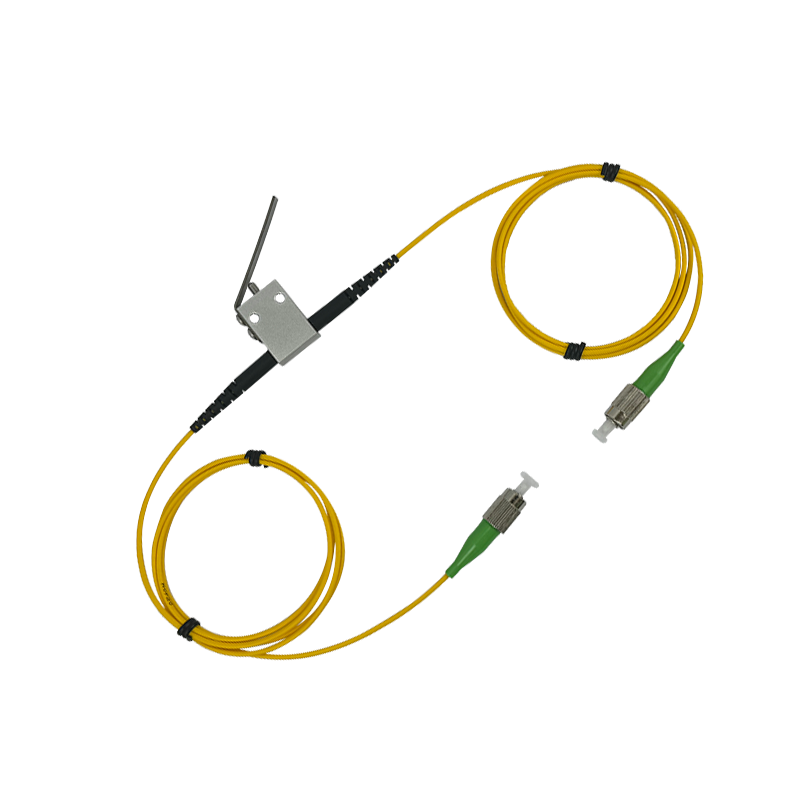
Classification and application of optical switches
Related Article